The End of .xlsm? How Excel LAMBDA Functions are Replacing VBA for Custom Calculations
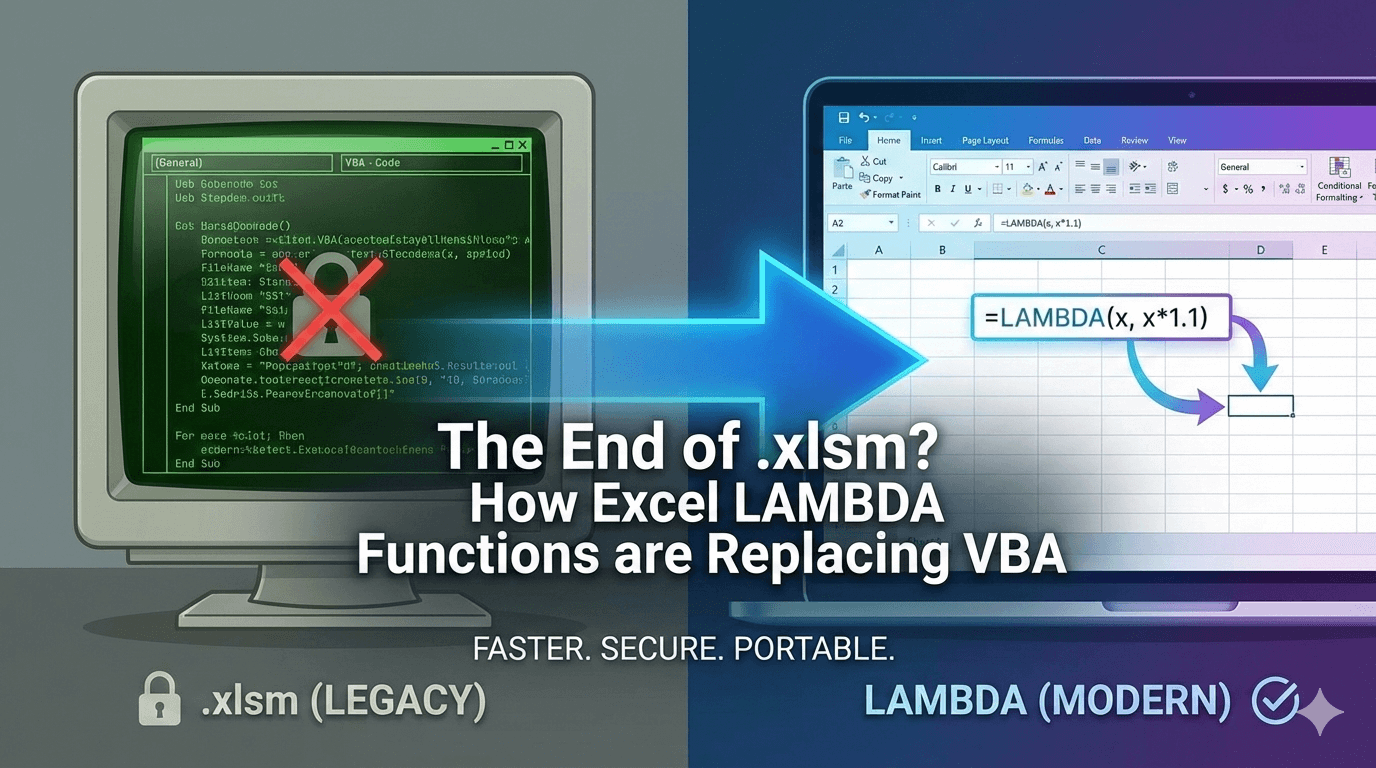
For decades, the "Pro" Excel user had one ultimate trump card: VBA (Visual Basic for Applications). If Excel couldn’t do it with a native formula, you’d open the Developer tab, write a Custom Function (UDF), and save the file as a macro-enabled .xlsm.
But the landscape has changed. With the introduction of LAMBDA, Excel now allows you to create your own custom functions using the native formula language—no code, no security warnings, and no compatibility issues with Excel for the Web.
In this post, we’ll explore how LAMBDA is systematically replacing VBA, analyze a "Before and After" of logic optimization, and dive into the edge cases that separate the masters from the amateurs.
Why LAMBDA is Winning the VBA War
Before we dive into the "how," we must understand the "why." VBA is powerful, but it carries significant baggage:
- Security Risks: Many corporations block
.xlsmfiles entirely due to macro-enabled malware. - Platform Limitations: VBA does not run on Excel for the Web or iPad.
- Performance: VBA runs on a single thread and requires a "context switch" between the Excel calculation engine and the VBA editor, which slows down massive workbooks.
LAMBDA functions, however, are part of the native calculation engine. They are fast, portable, and live inside the Name Manager.
Before & After: Streamlining Logic
One of the most common reasons users turned to VBA was to hide ugly, repetitive logic. Let’s look at a classic scenario: Calculating Multi-Tier Performance Bonuses.
The "Old Way": Nested IFs
We’ve all seen this nightmare. It’s hard to read, impossible to audit, and prone to "parenthesis blindness."Excel
=IF(B2>100000, B2*0.1, IF(B2>75000, B2*0.07, IF(B2>50000, B2*0.05, B2*0.02)))The "Pro Way": IFS or SWITCH
Excel evolved to give us IFS, which is cleaner but still requires you to rewrite the logic every time you need the calculation.Excel
=IFS(B2>100000, B2*0.1, B2>75000, B2*0.07, B2>50000, B2*0.05, TRUE, B2*0.02)The "Master Way": The LAMBDA Replacement
Instead of rewriting that IFS in ten different columns, you define a custom function once in the Name Manager named GET_BONUS.The Formula:Excel
=LAMBDA(sales, IFS(sales>100000, sales*0.1, sales>75000, sales*0.07, sales>50000, sales*0.05, TRUE, sales*0.02))Now, in your grid, you simply type:=GET_BONUS(B2)
How to Build Your First LAMBDA Custom Function
To replace VBA, you need to move your LAMBDA from a cell into the workbook's "memory."
- Draft the Formula: Write your LAMBDA in a cell to test it. Use
=LAMBDA(x, x*1.1)(A1)to verify. - Open Name Manager: Press
Ctrl + F3. - New Name: Call it something descriptive (e.g.,
ISO_WEEK_FIX). - Refers To: Paste your LAMBDA formula here.
- Documentation: In the "Comments" section of the Name Manager, describe the arguments. This will actually show up as a tooltip when you type the function later!
Pro-Level Case Study: The Recursive LAMBDA
The "Holy Grail" of VBA was recursion—functions that call themselves (like cleaning a string of all special characters). Previously, this was impossible in native formulas. Now, it’s a standard feature.
The Goal: A function called REPLACE_ALL that takes a string and removes a list of "forbidden" characters.The VBA Way (UDF):You would write a For Each loop in a module to iterate through characters.
The LAMBDA Way:Excel
=LAMBDA(text, chars,
    IF(chars="", text,
        REPLACE_ALL(SUBSTITUTE(text, LEFT(chars, 1), ""), MID(chars, 2, LEN(chars)))
    )
)
Note: This requires the function to be named "REPLACE_ALL" in the Name Manager to call itself.
Edge Cases: Where LAMBDA Breaks (and How to Fix It)
As a pro, you need to know the limitations. LAMBDA is powerful, but it isn't magic.
1. The Recursion Limit
Excel has a hard limit of 1,024 iterations for recursive LAMBDAs. If you are trying to process a string with 5,000 characters one-by-one, your formula will return a #NUM! error.
- The Fix: Use the
SCANorREDUCEhelper functions instead of pure recursion. They are optimized for larger arrays and rarely hit these limits.
2. The "Black Box" Debugging Problem
You can't "Step Through" (F8) a LAMBDA like you can in VBA. If a complex LAMBDA fails, it just gives you a #VALUE! error.
- The Fix: Use the Advanced Formula Environment (AFE) add-in from Microsoft. It provides a code-editor feel for Excel formulas and makes debugging much easier.
3. Volatility and Calculation Speed
If you wrap a "Volatile" function (like OFFSET or INDIRECT) inside a LAMBDA, and that LAMBDA is used 10,000 times, your workbook will crawl.
- The Fix: Pass ranges as arguments directly or use
INDEXinstead ofOFFSET.
Pro Practice Datasets
To master these, you need to get your hands dirty. Copy these scenarios into your own workbook.
Dataset 1: The "Dirty Data" SKU Parser
Goal: Create a LAMBDA called GET_SKU that extracts the text between the second and third hyphen.| Raw Data | Expected Result || :--- | :--- || US-NY-10293-RED | 10293 || UK-LON-9928-BLUE | 9928 || FR-PAR-0012-GRN | 0012 |
Dataset 2: The Logic Switcher
Goal: Create a LAMBDA called CONVERT_CURRENCY that takes a value and a "To" currency code, using a small lookup table for rates.| Amount | Currency | Result (USD) || :--- | :--- | :--- || 100 | EUR | (Amount * 1.08) || 500 | GBP | (Amount * 1.27) || 1000 | JPY | (Amount * 0.006) |
Conclusion: Is VBA Dead?
Not quite. VBA is still necessary for interacting with the OS (like saving files to a specific folder, opening Outlook, or controlling other apps). However, for custom calculations, VBA is officially legacy technology.
By switching to LAMBDA, you ensure your workbooks are faster, more secure, and ready for the modern, web-first world of data analysis.
Write in comment section:
- How much did you like the post and what insights do you want to add.
- Share your biggest operational pain point in the comments and if you think that this AI tool is going to solve your problems!
If you found this article helpful, please share it! See you in the next edition! ✌️ __________________________________________________________
I’m a corporate trainer who teaches Microsoft Excel end‑to‑end: foundational spreadsheets and formulas, intermediate data tools, pivot tables, and analytics. Every program is hands‑on and role‑focused for individual learners or corporate cohorts.
Enroll into any Microsoft Excel online course of your choice:
Budgeting and Forecasting in Excel
Advanced Excel Data Management Program
Intermediate Excel Data Management Program
Disclaimer: This content was prepared with support from an AI‑powered assistant that enhances human creativity to improve clarity, accuracy, and impact. Some visuals in this post were also created with the help of AI to make the ideas clearer and the story more engaging. While I strive for precision, AI tools may occasionally produce errors. Any resemblance to real people or copyrighted works is purely coincidental. Please use this content for informational purposes only.