Revolutionizing Digital Advertising: A Comprehensive Review of AdCreative.ai
In the high-stakes world of digital advertising, speed and relevance are the currencies of success.
Marketing professionals, e-commerce business owners, and agencies face a common, relentless enemy: ad fatigue. No matter how brilliant a campaign is, audiences eventually grow tired of seeing the same visuals, leading to plummeting click-through rates (CTR) and skyrocketing costs per acquisition (CPA).
Traditionally, combatting this required a small army of graphic designers and copywriters churning out endless variations of banners and headlines. But in 2025, the game has changed. Enter AdCreative.ai, a platform that promises to solve the content bottleneck by using artificial intelligence to generate high-converting ad creatives in seconds.
In this deep-dive article, we will explore what AdCreative.ai is, how it works, its standout features, and whether it’s the right tool to supercharge your marketing strategy.
What is AdCreative.ai?
At its core, AdCreative.ai is a cloud-based, AI-powered automation platform designed to generate conversion-focused ad creatives and social media posts. Unlike traditional design tools like Canva or Photoshop, where you start with a blank canvas or a template, AdCreative.ai builds the creative for you based on data.
The platform uses a sophisticated machine learning model trained on millions of high-performing ad creatives. It analyzes what works—which colors, layouts, fonts, and text placements drive conversions—and applies those learnings to your brand assets. The result? Hundreds of unique, on-brand creative variations generated in a fraction of the time it would take a human designer to mockup a single draft.
The Core Problem: Solving the "Creative Gap"
Before diving into features, it is crucial to understand the problem AdCreative.ai addresses.
Modern advertising platforms like Facebook (Meta), Google, and TikTok rely on algorithms that favor fresh content. To keep performance high, advertisers need to test dozens of creatives weekly.
For small businesses, hiring a dedicated designer is often too expensive. For agencies, the turnaround time for human design is often too slow to keep up with the demands of scaling campaigns.
AdCreative.ai bridges this gap by acting as an "AI Designer" that never sleeps, allowing teams to scale their testing volume without scaling their headcount.
Key Features That Set AdCreative.ai Apart
AdCreative.ai is packed with features, but a few stand out as true game-changers for marketers.
1. AI-Generated Ad Creatives (The "Conversion Engine")
This is the platform's flagship feature. You simply upload your brand logo, define your color palette, and input your text (or let the AI write it). The system then generates hundreds of square, landscape, and vertical creatives optimized for platforms like Instagram, Facebook, LinkedIn, and Google Display.
What makes this unique is that these aren't just random designs; they are "data backed." The AI positions elements in ways historically proven to catch the eye and drive clicks.
2. The Conversion Score
Perhaps the most innovative feature is the Conversion Score. Every creative generated by the platform comes with a score from 0 to 100. This score represents the AI's prediction of how well that specific ad will perform based on its database of successful campaigns.
Instead of spending budget A/B testing ten random designs, you can pick the top three with the highest conversion scores, theoretically increasing your chances of a winning campaign right out of the gate.
3. AI Text & Headline Generator
Visuals are only half the battle. AdCreative.ai includes a text generator that acts as an AI copywriter. By using copywriting frameworks like PAS (Problem-Agitation-Solution) or AIDA (Attention-Interest-Desire-Action), it generates punchy headlines and ad copy tailored to your platform of choice. This ensures your message is as optimized as your image.
4. Creative Insights
If you connect your ad accounts (Facebook Ads, Google Ads, etc.) to the platform, AdCreative.ai analyzes your past campaigns. It identifies your best-performing creatives and learns from them, further refining its future generations to match what specifically resonates with your audience.
5. Competitor Analysis
The platform also offers tools to peek behind the curtain of your competitors' strategies. You can view top-performing ads in your niche, giving you inspiration and ensuring you aren't flying blind in a competitive market.
How It Works: A 4-Step Workflow
One of the platform's biggest selling points is its ease of use.
You don't need a degree in graphic design to use it.
- Onboard Your Brand: Upload your logo, set your brand colors, and describe your business. The AI saves this "Brand Identity" to ensure every output feels consistent.
- Choose Your Format: Select the size you need (e.g., Instagram Story, Facebook Feed, Leaderboard Banner).
- Input Content: Upload a product image or background image (or use their built-in stock library of millions of free images). Add your text or let the AI generate it.
- Generate & Download: Click "Generate," and within seconds, you are presented with a scrollable feed of hundreds of variations. You can edit them if needed or simply download the high-scoring ones to launch your campaign.
Who is AdCreative.ai For?
While the tool is powerful, it fits certain user profiles better than others:
- E-commerce & Startups: If you have a small team and limited budget, this tool is a lifesaver. It allows you to look like a big brand with a dedicated design team without the overhead.
- Marketing Agencies: For agencies managing 10, 20, or 50 clients, the ability to generate client-ready creatives in minutes rather than days allows for massive scalability and faster client onboarding.
- Performance Marketers: If your primary goal is ROAS (Return on Ad Spend) and CTR rather than artistic perfection, this tool aligns perfectly with your KPIs.
Pros and Cons: An Honest Assessment
The Pros:
- Speed: It is genuinely fast. You can go from zero to a live campaign in under 15 minutes.
- Volume: The ability to test mass variations is unparalleled.
- Data-Driven: It removes subjective arguments about design ("I like blue better") and focuses on performance ("The data says red converts").
- All-in-One: Includes stock images, background remover, and text generation.
The Cons:
- Limited Customization: While you can edit elements, you don't have the pixel-perfect control of Photoshop. If you have very strict, complex brand guidelines, the AI might feel too rigid.
- Repetition: After generating thousands of ads, you may notice some layout patterns repeating.
- Credit System: The pricing is based on "credits" (downloads), which means you need to be strategic about which files you choose to export.
Pricing Structure
AdCreative.ai operates on a subscription model, typically offering tiers for Startups, Professionals, and Agencies.
- Startup Plans: Usually start around $29/month, offering a limited number of credits (downloads) and brand profiles.
- Professional/Agency Plans: Range from $189 to $399+/month, offering unlimited generations, more brands, and significantly more download credits.
Note: Pricing is subject to change, so it's always best to check their pricing page for the latest figures.
Conclusion: Is It Worth the Hype?
AdCreative.ai represents the future of performance marketing.
It doesn't replace the human need for strategy or brand storytelling, but it effectively automates the grunt work of creative production. For businesses drowning in the demand for fresh content, it offers a lifeline.
If you are looking for "art," hire a human designer. But if you are looking for sales, conversions, and a tool that respects the speed of the modern internet, AdCreative.ai is a must-have addition to your marketing stack.
By leveraging the power of AI, you can stop guessing what your audience wants to see and start showing them what the data proves they need to see to convert.
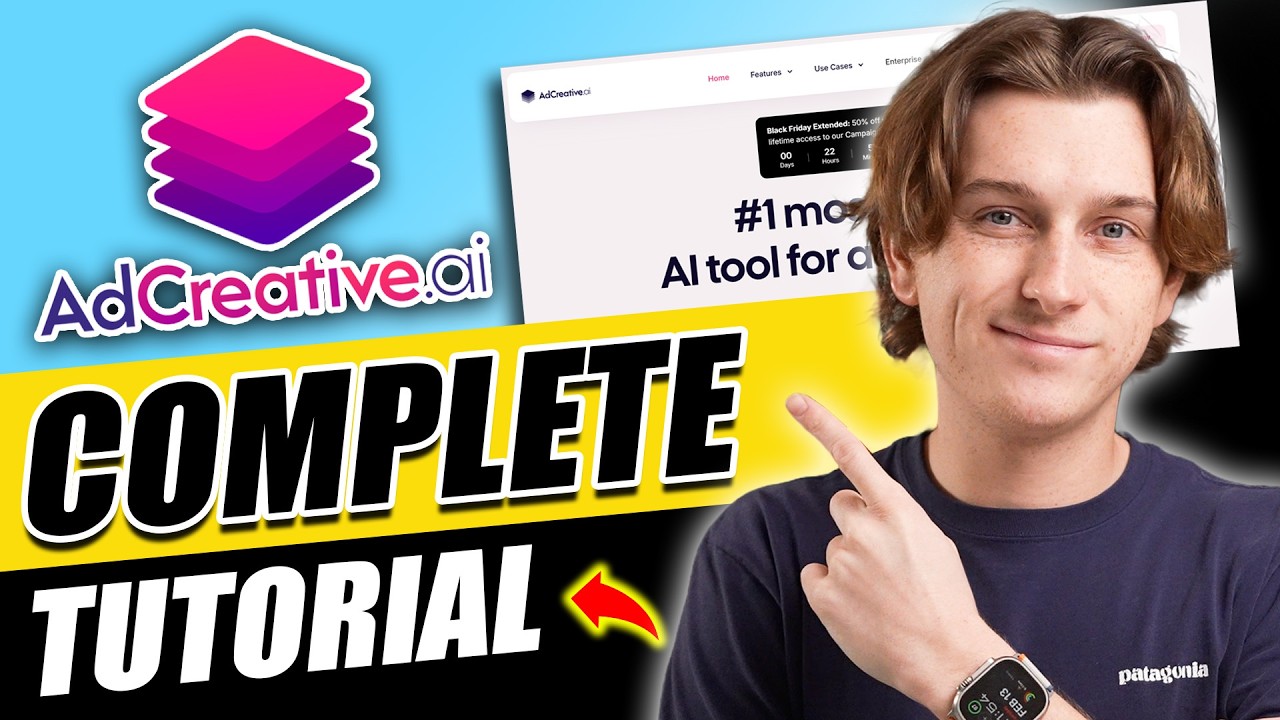
This video provides a comprehensive tutorial and review of AdCreative.ai, walking you through its features and showing exactly how to create high-converting ads step-by-step.
_____________________________________________________________
Explore MS Excel Programs: https://rajeshpathak.graphy.com/
Disclaimer #1: I’ll share one AI tool in each issue to help you at work and in life. I am not promoting any tool, and I receive no financial benefit from these posts; I’m simply highlighting tools that appear useful. Please share your experiences and feedback—they help me and the community learn. Use these tools with your own judgment and discretion.
Disclaimer #2: This content was prepared with support from Microsoft Copilot, an AI‑powered assistant that enhances human creativity to improve clarity, accuracy, and impact. Some visuals in this post were also created with the help of AI to make the ideas clearer and the story more engaging. While I strive for precision, AI tools may occasionally produce errors. Any resemblance to real people or copyrighted works is purely coincidental. Please use this content for informational purposes only.



